
Mashiro Theater
StageTimelineTools
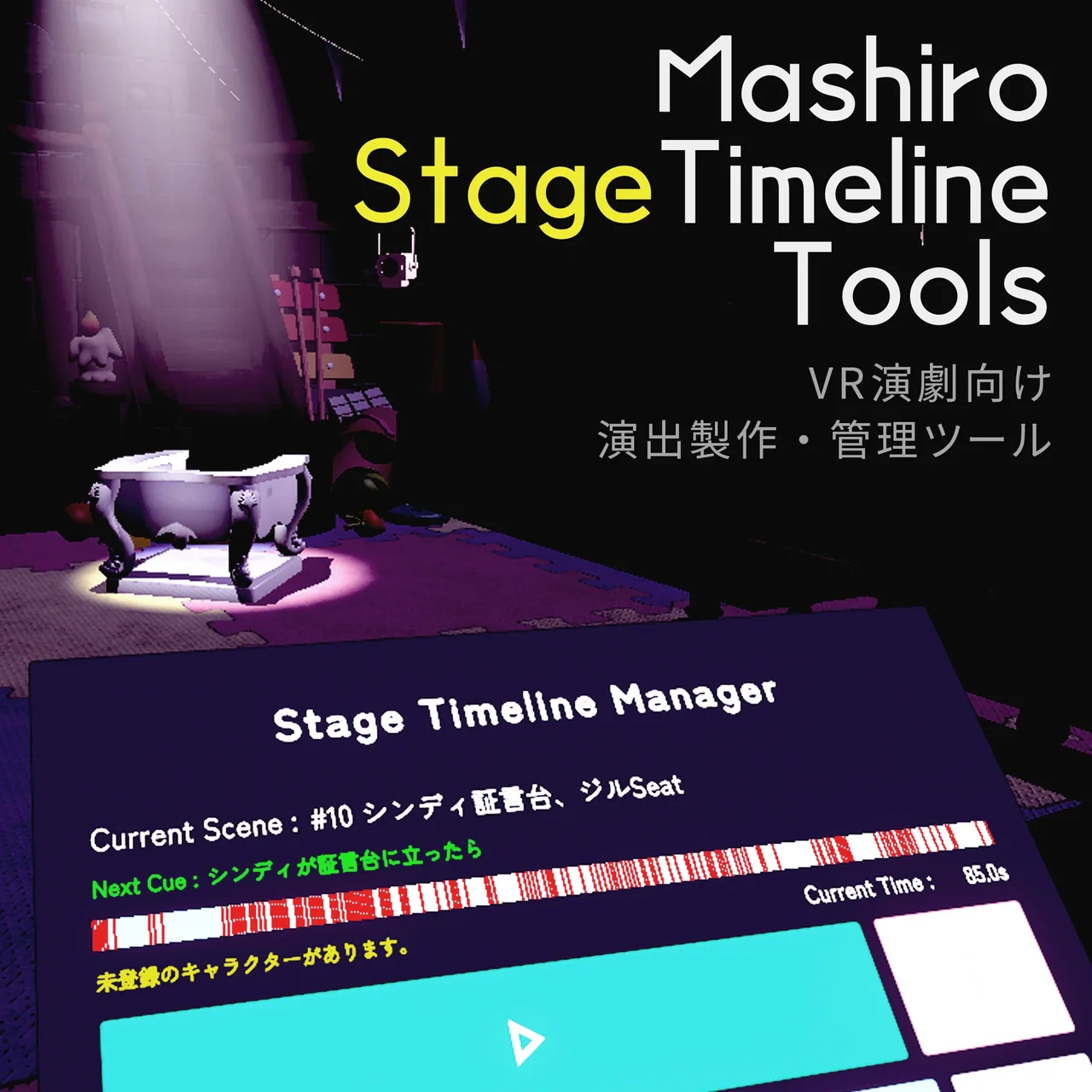
A tool and gimmick set that streamlines building stage effects for theater in VRChat and operating them live in VRChat.
What's included
StageTimelineBuilder
Timeline Builder
Split into a preset feature for registering effects such as lighting and BGM, and a scene editor for entering the timing and cues at which effects change. The scenes you build are exported as a standard Unity Timeline.
Read the manual →StageTimelineManager
Timeline Manager
A gimmick that controls the Timeline built with the Timeline Builder inside VRChat. Pressing Play on the control panel plays only the next scene, then stops automatically. It also has rehearsal and debugging features such as pause and second-by-second seeking.
Read the manual →Key features
Presets
Register lights, sounds, objects and more in advance, then just pick them from a list while editing scenes. Fix a preset once and every scene using it is updated.
Automatic Timeline generation
Set up the effects for each scene and press a button: a Unity Timeline is generated and assigned to the Timeline Manager automatically.
Cue sheet & transition table
Review the effects for each cue and how each effect's state changes across scenes. Export to CSV for use in Excel or spreadsheets.
Blackout & warp
Treat a reliable blackout that covers the audience, and warping actors to set positions, as regular effects.
Camera switching
Switch camera angles at set timings using Cinemachine Virtual Cameras.
One-button live operation
Press Play on each cue to advance to the next scene. Includes pause and second-by-second seeking for rehearsals, plus a lock to prevent mistakes during the show.
Before you use it
Notes
We recommend installing NoribenBeamLight to render visible light beams. (The tool works without it.)
Terms of use
Mashiro Theater General Terms of Use for Tools and Gimmicks (VN3 License format)
You may
- Including it in your own works (such as worlds)
- Modifying it
- Commercial use
You may not
- Redistributing it as an asset
- Reselling it as an asset
We recommend adding our tools and gimmicks via VCC (VRChat Creator Companion).
Add to VCCIf the button does not work, open Settings → Packages → Add Repository in VCC and add the following URL.
https://meadowsage.github.io/mashirotheater-vpm/index.jsonManual
Read the manualWe also take questions about the tools on the Mashiro Theater Discord server. Feel free to join!