
Manual contents
keyboard_arrow_down
Initial Setup
Getting Started
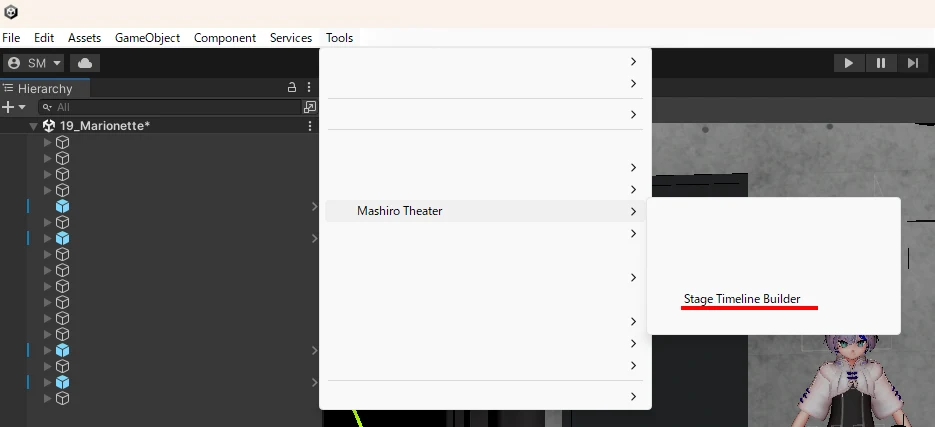
Open the Timeline Builder window from the menu: Tools > Mashiro Theater > Stage Timeline Builder.
Enter the name of your performance and press "Start" (「はじめる」).
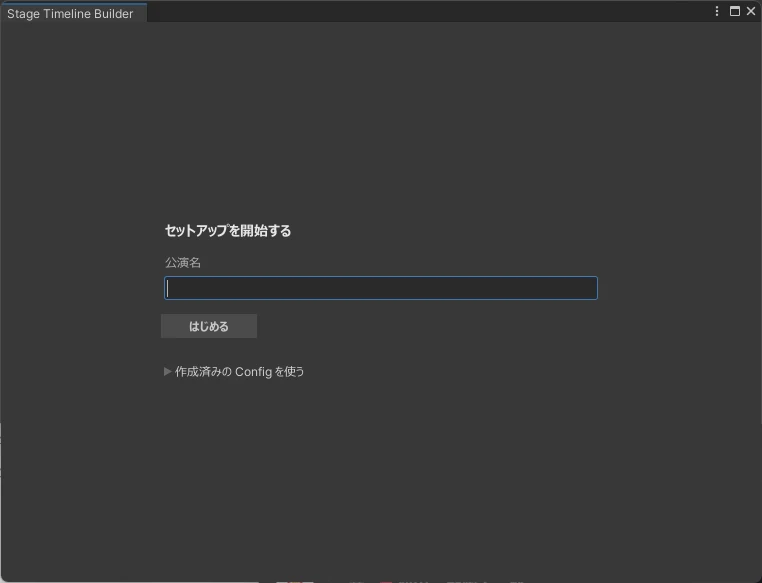
Follow the on-screen instructions to complete the setup.
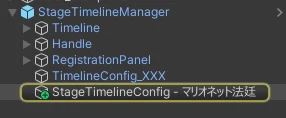
StageTimelineManager and StageTimelineConfig are created in the Scene.
StageTimelineManager includes the control panel, so adjust its position to fit your scene.
Next Steps
Once setup is complete, register presets.
Support
We also take questions about the tools on the Mashiro Theater Discord server. Feel free to join!